
Party rental CRM
Party Rental CRM Built for Inflatable Businesses
Running a party rental business means keeping track of more than a name and a phone number. You need the party date, the setup details, the rental items and the messages that led to the booking. Inflatable Agent puts that information in a CRM connected to your booking engine and AI front desk. You can follow a customer from the first inquiry through delivery and the next party without piecing the story together from separate apps.
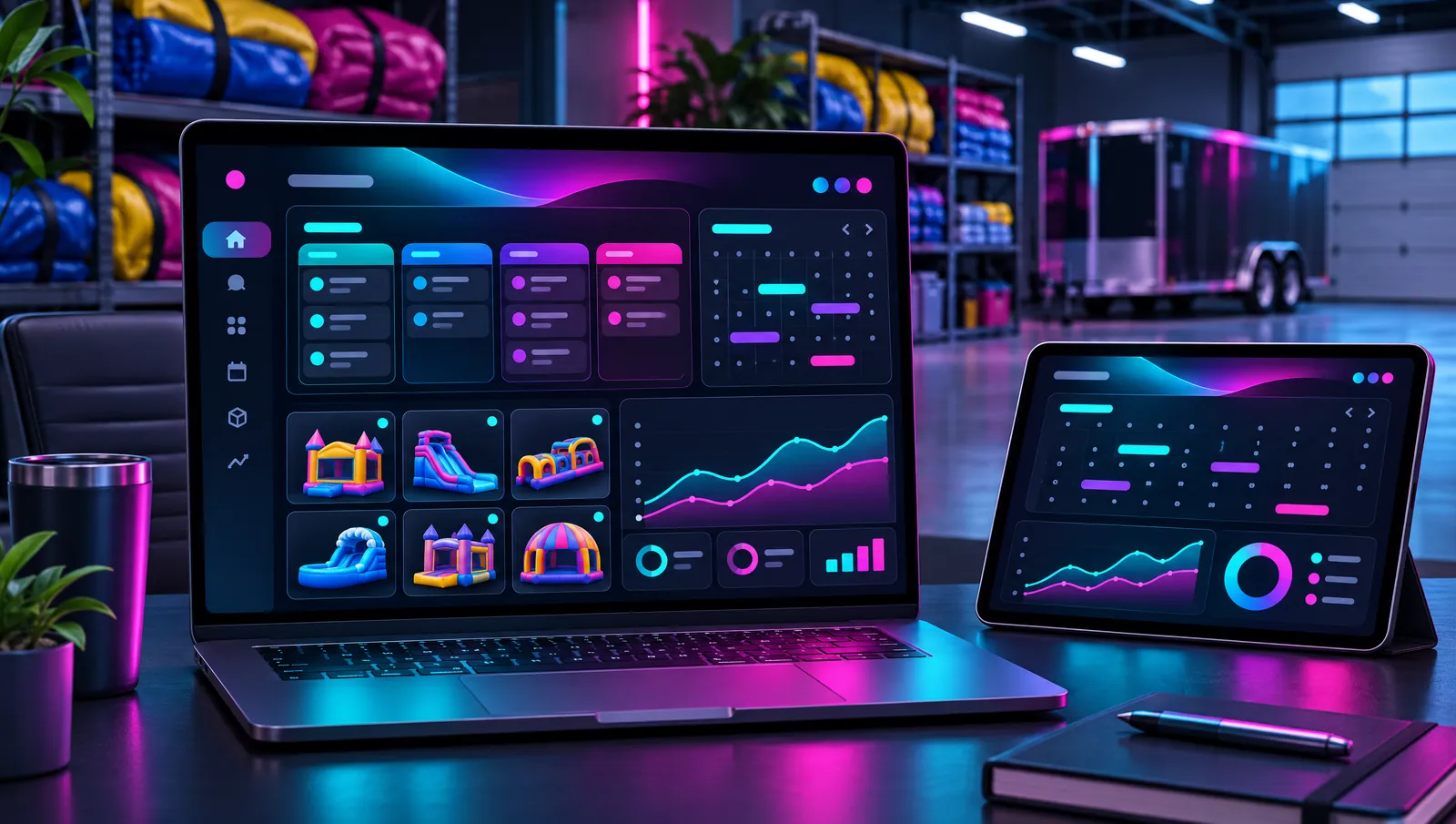
A contact record with the details of the party
Keep the event date, delivery address, setup surface, power access, water access, guest count and items requested with the customer. Those details matter when you quote a water slide, plan a delivery or check whether the crew needs to ask another question. A contact record gives the inquiry a home, so the important information is not buried in a text thread.
The booking page and AI chat agent connect to the same CRM. When a customer books online or shares event details in chat, you can work from that customer record. You do not need one system for bookings and another for the conversations that explain them. Keep the information current as plans change, so the person answering and the crew delivering are working from the same details.
See each booking move through the pipeline
The Rental Bookings pipeline shows the stages of the job: New Inquiry, Quote Sent, Deposit Pending, Booked, Delivered, Completed and Review Requested. You can distinguish someone who is still asking questions from someone who has booked a party. That makes it easier to see which quotes need attention and which rentals are ready for the working weekend.
A pipeline is useful because every inquiry is not a confirmed rental. Someone waiting on a deposit needs a different follow-up from a customer whose party is complete. Keep the booking stage aligned with what has actually happened. The CRM gives you a place to manage that progress alongside the customer's messages and event details, with no separate handwritten list of who needs what next.
One inbox for the conversations you need to answer
Texts, email, Facebook and Instagram messages come into a unified inbox. A parent might first find you on social media and later text about delivery. You should not have to search each app to remember the conversation or ask them to explain the party again. The inbox keeps your customer communication in the same system as the booking.
The AI chat agent can cover routine questions across the supported message channels, and you can take over when a conversation needs you. Your AI receptionist covers phone inquiries while you are out setting up. The CRM is the shared customer system behind those ways of getting in touch, not an extra address book that you have to update after every conversation.
Tasks and notes for the owner and crew
Use tasks for work that still needs doing and notes for details someone else needs to know. A customer may need an access question answered before delivery, or the owner may need to review a requested change. Put that work with the customer, not in a crew chat message that gets pushed out of sight.
The mobile app gives the owner and crew access while they are away from the office. Check customer information and messages without waiting to get back to a computer. The crew adds the 'on the way' tag in the HighLevel mobile app when they head to the party, and the customer gets a text. That keeps a delivery update tied to an action in the field, not a reminder for the owner to send it manually.
Know where bookings come from and who comes back
Channel reporting helps you see which channel brought each booking. That lets you review where inquiries are turning into rentals without treating every message as if it came from the same place. It is useful context when deciding where to spend your attention, whether customers are reaching you through the website or starting a conversation on a social channel.
Repeat-customer history stays with the contact too. When a parent comes back for another birthday, you can review the earlier rental and conversation before discussing the next event. Rebooking reminders and quote follow-up work alongside those records. Starter, Pro and Premium all include the full CRM, with different setup and support levels. Premium includes unlimited users for businesses that need more people working in the system.
Party Rental CRM questions
Keep your bookings connected
Stop losing bookings to voicemail
Start your 30-day free trial today. Plans from $99/mo.