
Online booking
Bounce House Booking Software with Live Inventory
A customer should be able to book a bounce house without waiting for you to put down a blower and answer a text. Inflatable Agent gives them a booking page that checks real inventory, shows the costs and takes a deposit. You get a booking in your CRM, not another conversation to piece together at the end of the day.
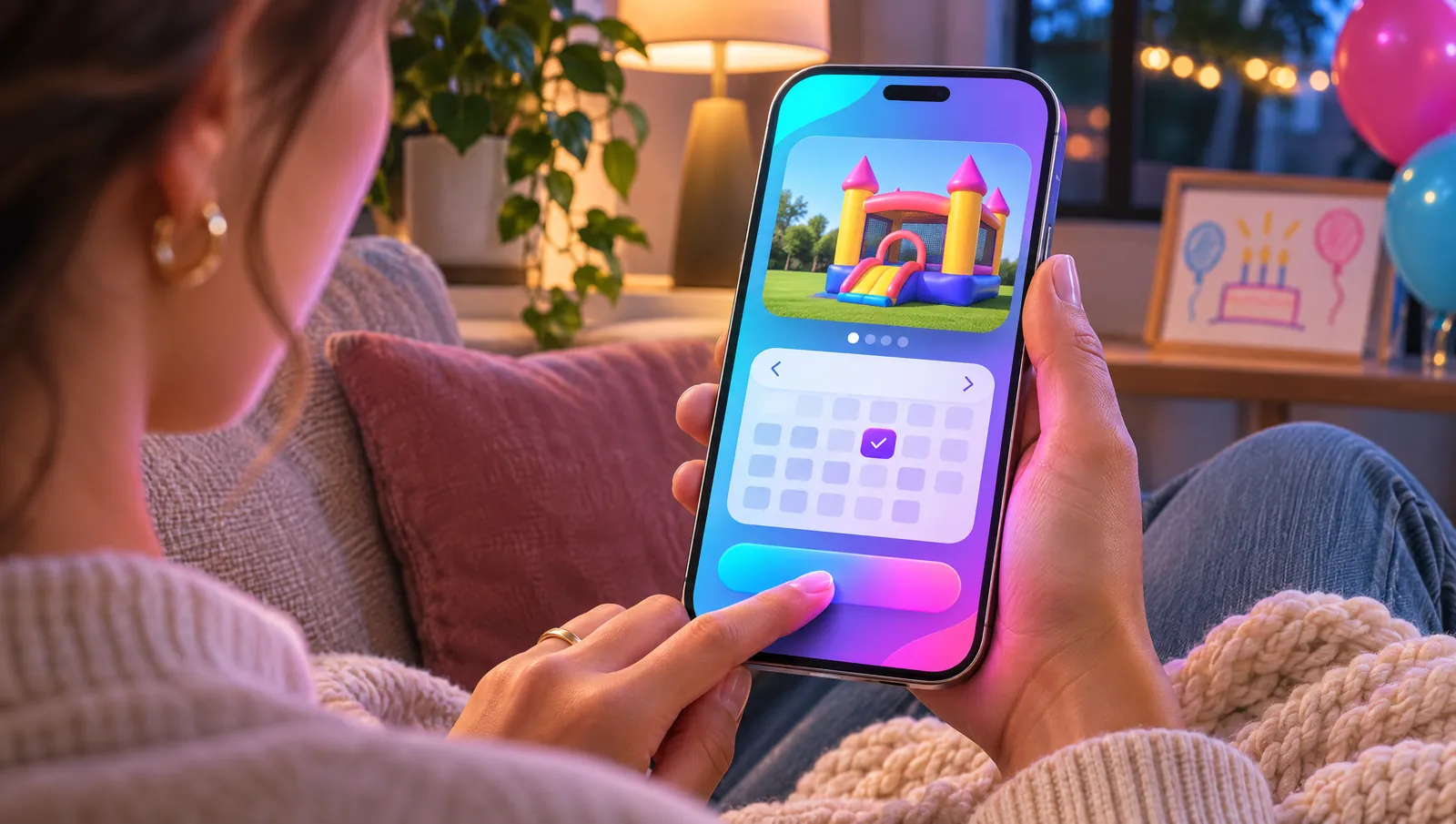
From picking a date to paying a deposit
The customer starts with the date of the party. Your booking page shows only the rental items available that day, so they are choosing from inventory you can actually deliver. They can look through your categories, pick a bounce house or slide and add the extras they need without asking you to check each item separately.
Delivery and setup fees appear with the booking, alongside the rental and add-ons. The customer can put multiple items in the same cart, review the total and pay a deposit through Stripe. That keeps the whole order together in one cart: the inflatable, the generator and the concessions.
Stock counts that stop double-booking
Every bounce house, slide and add-on has a stock count. If you own two classic bounce houses and both are booked for Saturday, the third request for that Saturday is blocked automatically. A calendar entry alone cannot tell you that. Live inventory connects the date to the number of units you own and the bookings already on the books.
Customers do not have to guess whether an item is available, and you do not have to promise it before checking another system. Your booking page works from those counts, so an inquiry is never treated as an open slot. Keep your inventory accurate so what customers see matches what is in your fleet.
Use the booking page or keep your website
Use the online booking page on its own, or put the booking widget into the website you already have. That includes WordPress, Wix, Squarespace and a custom site. You do not need to replace a site that is already bringing you customers just to let them choose a date and book available inventory.
The widget brings the same date availability, categories, add-ons and checkout into your existing site. Add the AI chat agent alongside it when you want visitors to get answers before they book. If you need a new site instead, Premium includes a booking website built by PointWake.
Set rates that fit the way you rent
Rental pricing is not always a flat day rate. Set prices per hour, day or week to match the way you actually rent each item. Your price list should reflect that, so the customer sees the right charge for the booking, not a starting price you have to correct later.
Add generators and concessions as extras, and include mandatory charges such as an operator fee or delivery. Separate an optional add-on from a required fee so the order reflects what the party needs. Setup charges belong in the booking too, so they never turn up as a surprise after the customer has decided to rent.
Deposits and payments stay with the order
Stripe handles deposits and partial payments. A customer can reserve the rental with a deposit and pay the rest later, with payment details tied to that booking. A multi-item cart means the bounce house and its extras are part of the same order, not separate rentals for you to reconcile.
Every booking lands in the CRM and pipeline. You can see the customer and the booking together, then use confirmations, reminders and delivery-day messages to follow up. The booking engine is part of Inflatable Agent, alongside the AI receptionist and AI chat agent, not a separate website add-on disconnected from your customer records.
Online Booking questions
Related features
Stop losing bookings to voicemail
Start your 30-day free trial today. Plans from $99/mo.